

WhatsApp is deeply woven into the daily routine of millions across India. From university students coordinating group projects to business owners confirming orders, the app is a central hub for communication. Digital marketers rely on it to connect directly with clients, run campaigns, and build communities. Because so much personal and professional data flows through these chats, security is a major priority.
When a hacker gains access to your account, the consequences can be severe. They can impersonate you, scam your contacts, or steal sensitive business information. A compromised account ruins your reputation and causes immense stress. Unfortunately, cybercriminals are constantly finding new ways to trick users and bypass basic security measures.
Protecting your account does not require a degree in computer science. By understanding how attackers operate and enabling the right security settings, you can keep your data safe. This guide covers practical, easy-to-follow steps to lock down your WhatsApp account and protect your personal information from unauthorized access.
Table of Contents
Why WhatsApp Security Matters in India
India has the largest WhatsApp user base in the world. This massive popularity makes it an attractive target for scammers and hackers. The impact of a compromised account varies depending on how you use the app.
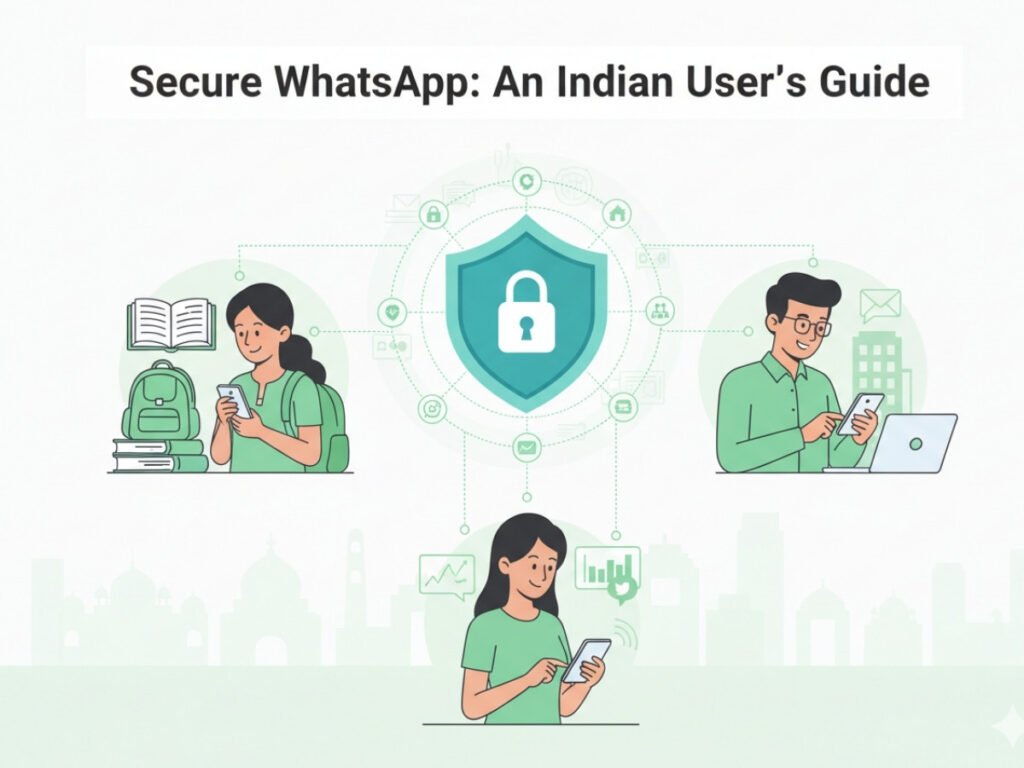
For Business Owners
Small and medium-sized businesses use WhatsApp Business to handle customer inquiries, share catalogs, and process payments. If a hacker takes over your business account, they can send fraudulent payment links to your customers. This damages the trust you have built with your buyers and can lead to significant financial losses.
For Digital Marketers
Marketers manage client communications and promotional groups. A hacked account gives bad actors access to your entire client list. They can spam your network with malicious links, ruining your professional credibility overnight. Regaining the trust of a client after they receive spam from your number is incredibly difficult.
For Students
Students use the app for studying, sharing notes, and staying in touch with family. Hackers often target personal accounts to ask family members for emergency money. They pretend you are in trouble and request immediate funds via UPI. Protecting your account prevents your loved ones from falling victim to these financial scams.
Common Ways WhatsApp Accounts Get Hacked
Understanding how accounts are compromised is the first step in defending yourself. Hackers usually rely on human error rather than complex software to gain access.
Social Engineering and Phishing
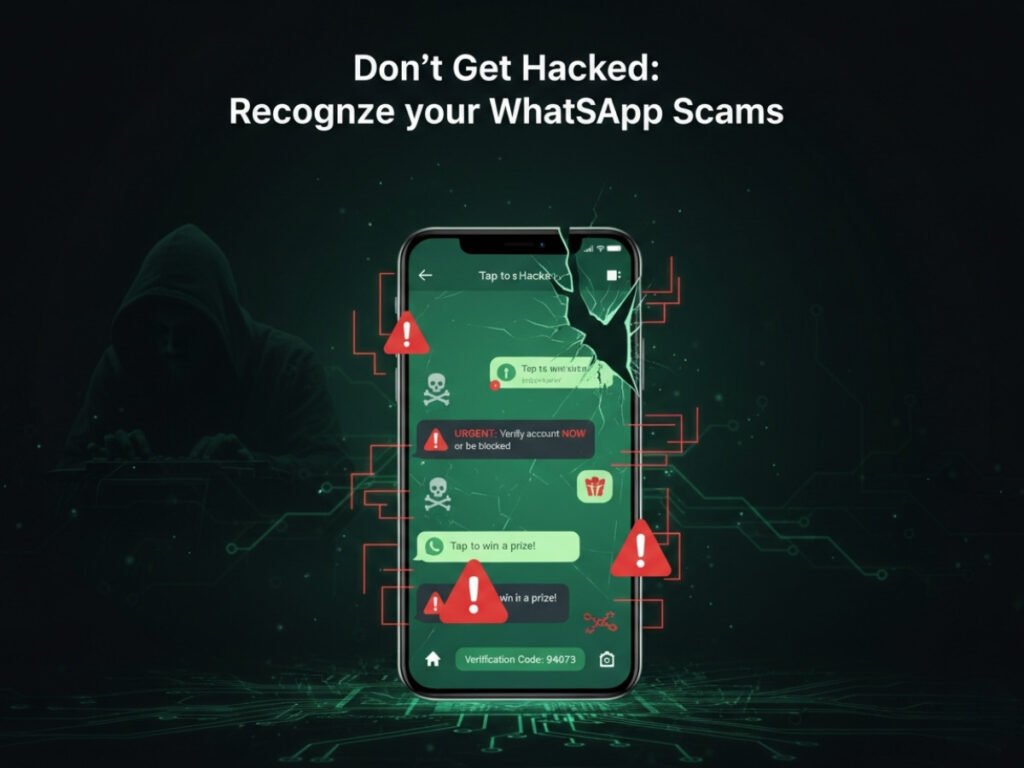
The most common method is social engineering. A hacker might pretend to be a friend, a customer service agent, or even someone from WhatsApp. They will claim there is a problem with your account and ask you to forward a six-digit code sent to your phone via SMS. Once you share that code, they can log into your account on their device.
Malicious Third-Party Apps
Many users download unofficial versions of the app, like GBWhatsApp or WhatsApp Plus. These apps promise extra features, such as custom themes or the ability to hide your online status. However, they lack the security of the official app. Downloading these modifications often installs malware on your phone, giving hackers direct access to your messages and contacts.
SIM Swapping
SIM swapping occurs when a hacker convinces your mobile carrier to transfer your phone number to a new SIM card. Once they control your phone number, they can install WhatsApp on their phone and receive the verification code. This method requires more effort from the attacker but is highly effective if they know your personal details.
Step-by-Step Guide to Protecting Your WhatsApp
You can significantly reduce your risk by activating a few built-in security features. Follow these steps to secure your account today.
Enable Two-Step Verification (PIN)
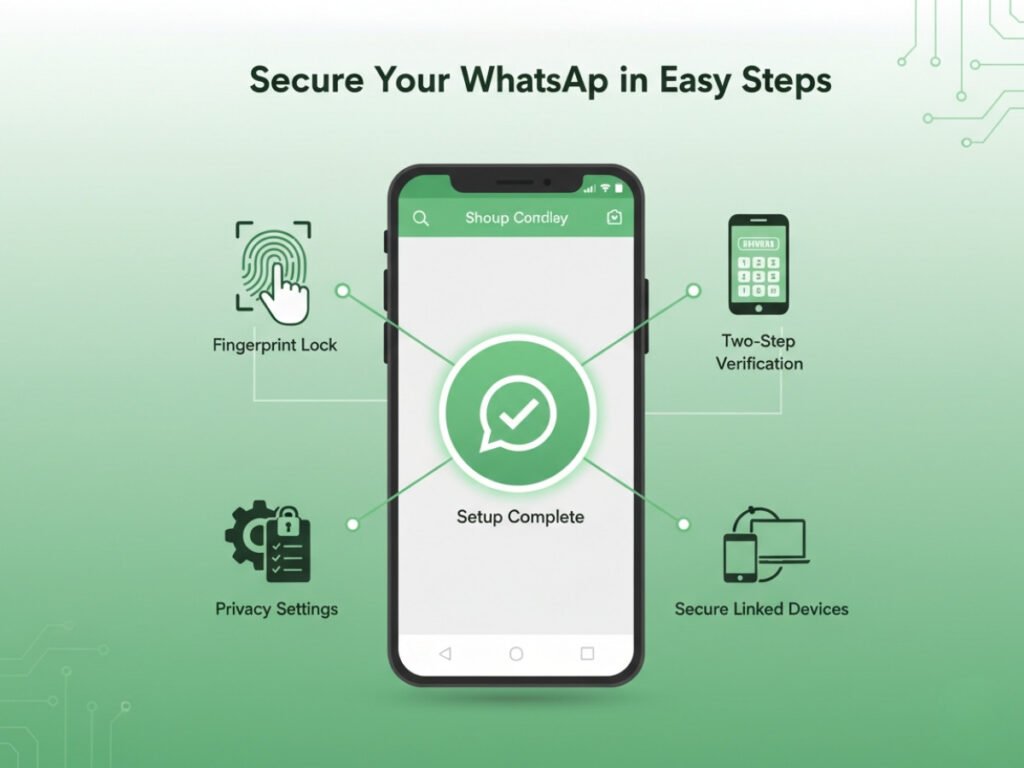
Two-step verification is the most powerful tool for protecting your account. When enabled, WhatsApp will occasionally ask you to enter a custom six-digit PIN when opening the app. More importantly, anyone trying to verify your phone number on a new device must enter this PIN.
To turn this on:
- Open your WhatsApp settings.
- Tap on “Account” and then “Two-step verification.”
- Tap “Enable” and choose a six-digit PIN you will remember.
- Add an email address. This allows you to reset the PIN if you forget it.
Never Share Your Six-Digit SMS Code
When you install WhatsApp on a new phone, the company sends an SMS with a six-digit code to verify your number. You should never share this code with anyone. WhatsApp support will never ask for it. If someone messages you asking for a code they “accidentally” sent to your phone, ignore them and block the number immediately.
Use Face ID or Fingerprint Lock
You can add an extra layer of security by locking the app itself. This prevents someone who has physical access to your unlocked phone from reading your chats.
To enable the screen lock:
- Go to “Settings” and tap on “Privacy.”
- Scroll to the bottom and select “Fingerprint lock” (or “Screen Lock” for iPhone users).
- Turn it on and choose how quickly the app should lock after you close it.
Manage Linked Devices
The “Linked Devices” feature allows you to use WhatsApp on your computer or tablet. However, if you leave your account logged in on a public or shared computer, anyone can read your messages.
Make it a habit to check your linked devices regularly. Open WhatsApp, go to the menu or settings, and select “Linked Devices.” Review the list of active sessions. If you see a device you do not recognize, tap on it and select “Log Out.”
Update Your Privacy Settings
Limit who can see your personal information. By default, anyone who has your phone number can see your profile picture, about section, and status. Hackers often use your profile picture to create fake accounts and scam your friends.
Go to “Settings” then “Privacy.” Change the settings for your “Profile Photo,” “Last Seen,” and “About” to “My Contacts.” This ensures only people you have saved in your phone can see your details.
What to Do If Your WhatsApp Gets Hacked
Even with precautions, mistakes happen. If you suspect someone has taken over your account, you need to act quickly to minimize the damage.
Re-register Your Account
If you lose access because someone logged in from another device, try to log back in immediately. Enter your phone number and wait for the SMS verification code. Once you enter the code, the hacker will automatically be logged out. If they enabled a two-step verification PIN that you do not know, you will have to wait seven days to sign in without it. The hacker is still logged out of your account during this waiting period.
Notify Your Contacts
Hackers work fast. The moment they gain access, they will likely start messaging your contacts asking for money. Reach out to your family, friends, and clients through regular phone calls, SMS, or other social media platforms. Warn them that your account has been compromised and tell them not to send money or click on any links sent from your number.
Contact WhatsApp Support
If you cannot regain access to your account, you must contact support. Send an email to support@whatsapp.com with the phrase “Lost/Stolen: Please deactivate my account” in the body of the email. Include your phone number in the full international format (starting with +91 for India). Deactivating the account ensures the hacker cannot send any more messages using your identity.
Frequently Asked Questions (FAQ)
Can someone hack my WhatsApp by just having my phone number?
No, a phone number alone is not enough to hack an account. The attacker needs the six-digit SMS verification code sent to your device to log in.
Is it safe to use third-party apps like GBWhatsApp?
No. Unofficial apps violate the terms of service and lack end-to-end encryption. Using them exposes your data to third parties and can result in a permanent ban from the official platform.
How do I know if my account is hacked?
Signs of a hacked account include seeing messages you did not send, noticing new linked devices you do not recognize, or suddenly being logged out of the app on your primary phone.
Can WhatsApp read my personal messages?
No. All personal chats are end-to-end encrypted. This means only you and the person you are communicating with can read or listen to them. Neither WhatsApp nor its parent company, Meta, can access the content of your personal messages.
Secure Your Chats and Protect Your Privacy
Maintaining the security of your messaging apps is an ongoing responsibility. As scammers develop new tactics, staying informed and cautious is your best defense. Simple habits, like ignoring requests for verification codes and setting up a two-step verification PIN, create a strong barrier against malicious attacks.
Take a few minutes right now to check your linked devices and update your privacy settings. Encourage your family, colleagues, and clients to do the same. By taking these proactive steps, you can confidently use the platform to grow your business, ace your studies, and connect with loved ones without worrying about cyber threats.

